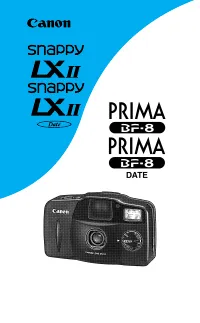
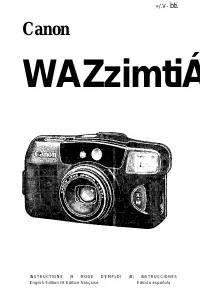
Canon Prima BF-8- Manuels
Canon Prima BF-8- Manuel d'utilisation en ligne au format PDF.
Manuels:
Manuel d'utilisation Canon Prima BF-8
Résumé
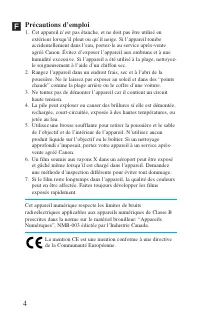
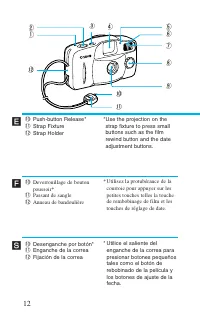
4 Précautions d’emploi 1. Cet appareil n’est pas étanche, et ne doit pas être utilisé en extérieur lorsqu’il pleut ou qu’il neige. Si l’appareil tombeaccidentellement dans l’eau, portez-le au service après-venteagréé Canon. Évitez d’exposer l’appareil aux embruns et à unehumidité excessive. Si l’app...
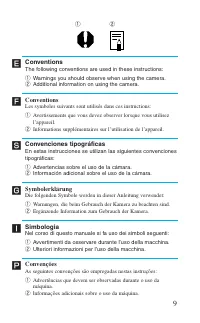
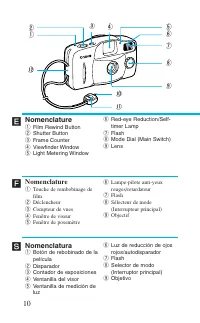
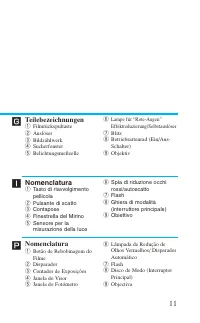
19 Ï Merci d’avoir acheté ce produit Canon. Avant de prendre des photos, veuillez lire ces instructionsattentivement pour bien comprendre comment l’appareil fonctionne. Table des matières Précautions d’emploi .........................................................................4Conventions ........
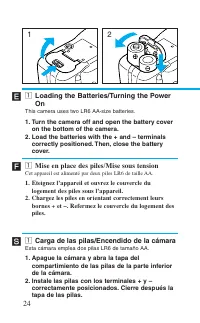
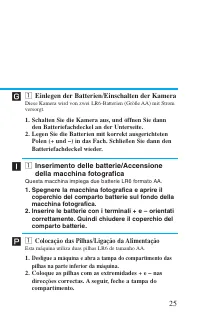
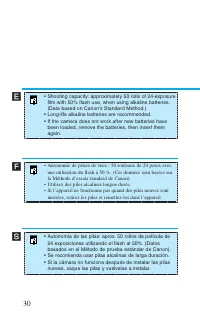
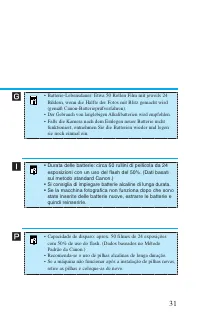
z Loading the Batteries/Turning the PowerOn This camera uses two LR6 AA-size batteries. 1. Turn the camera off and open the battery cover on the bottom of the camera. 2. Load the batteries with the + and – terminals correctly positioned. Then, close the batterycover. z Mise en place des piles/Mise s...
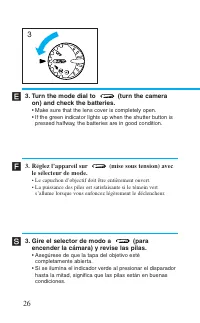
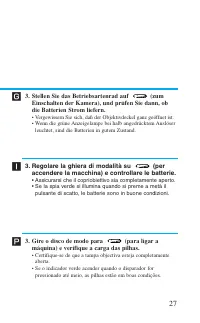
26 3. Turn the mode dial to (turn the camera on) and check the batteries. • Make sure that the lens cover is completely open.• If the green indicator lights up when the shutter button is pressed halfway, the batteries are in good condition. 3. Réglez l’appareil sur (mise sous tension) avec le sélect...
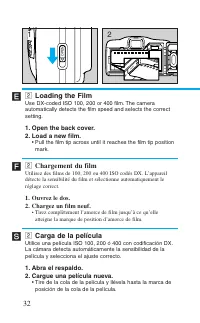
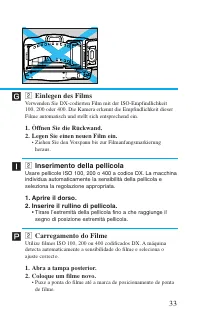
OPEN FI LM FI LM x Loading the Film Use DX-coded ISO 100, 200 or 400 film. The cameraautomatically detects the film speed and selects the correctsetting. 1. Open the back cover.2. Load a new film. • Pull the film tip across until it reaches the film tip position mark. x Chargement du film Utilisez d...
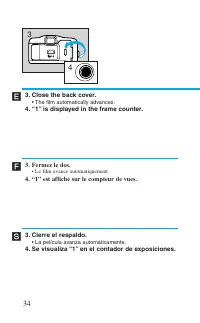
34 3. Close the back cover. • The film automatically advances. 4. “1” is displayed in the frame counter. 3. Fermez le dos. • Le film avance automatiquement. 4. “1” est affiché sur le compteur de vues. 3. Cierre el respaldo. • La película avanza automáticamente. 4. Se visualiza “1” en el contador de ...
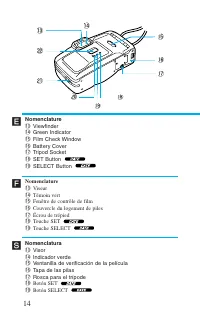
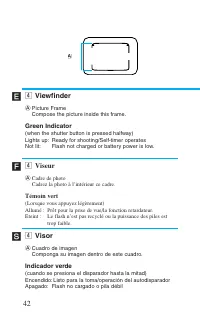
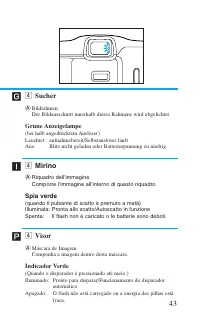
42 ´ Ï Í A v Viewfinder A Picture FrameCompose the picture inside this frame. Green Indicator (when the shutter button is pressed halfway)Lights up: Ready for shooting/Self-timer operatesNot lit: Flash not charged or battery power is low. v Viseur A Cadre de photoCadrez la photo à l’intérieur ce cad...
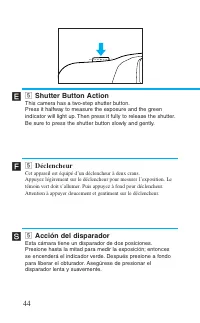
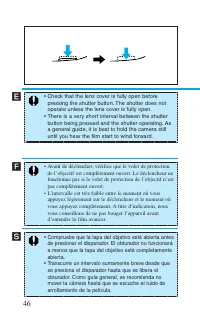
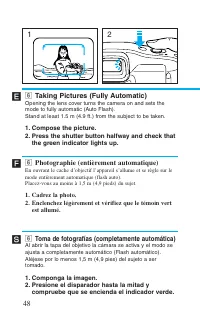
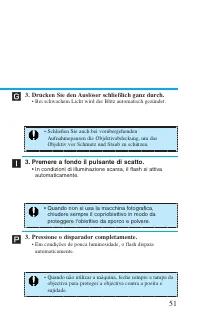
Í n Taking Pictures (Fully Automatic) Opening the lens cover turns the camera on and sets themode to fully automatic (Auto Flash).Stand at least 1.5 m (4.9 ft.) from the subject to be taken. 1. Compose the picture.2. Press the shutter button halfway and check that the green indicator lights up. n Ph...
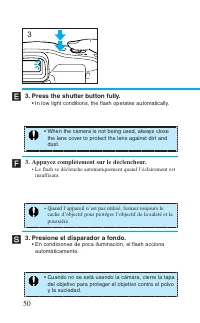
Í 50 ´ Ï • When the camera is not being used, always close the lens cover to protect the lens against dirt anddust. • Quand l’appareil n’est pas utilisé, fermez toujours le cache d’objectif pour protéger l’objectif de la saleté et lapoussière. • Cuando no se está usando la cámara, cierre la tapa del...
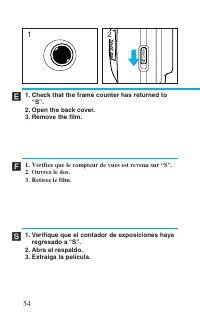
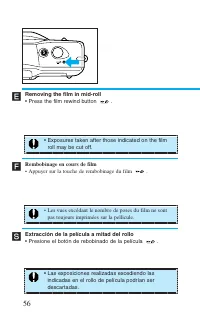
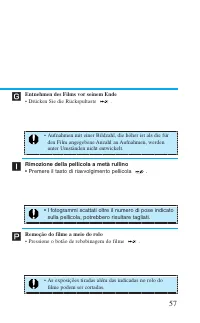
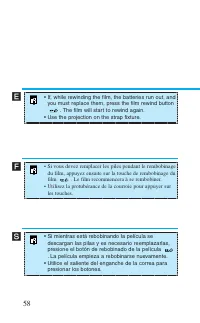
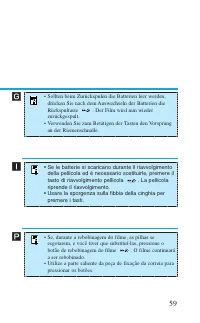
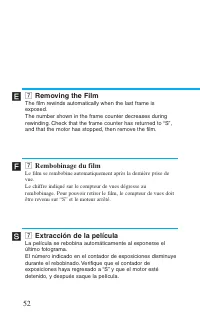
Removing the film in mid-roll • Press the film rewind button . 56 ´ Ï Í S Rembobinage en cours de film • Appuyer sur la touche de rembobinage du film . Extracción de la película a mitad del rollo • Presione el botón de rebobinado de la película . • Exposures taken after those indicated on the film r...
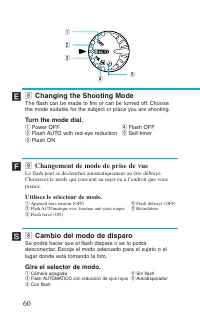
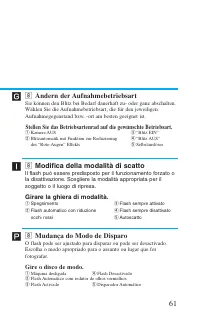
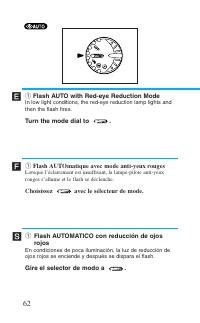
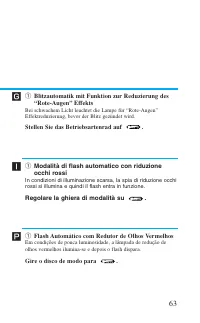
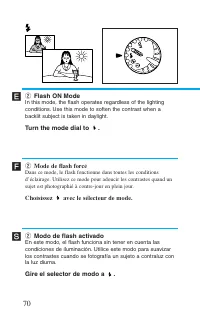
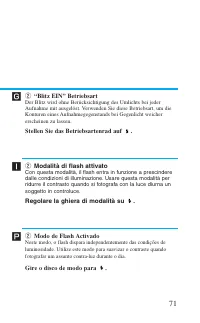
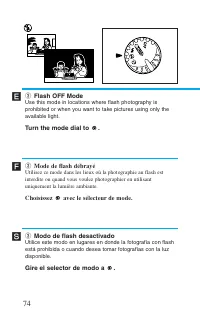
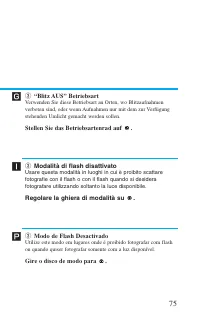
, Changing the Shooting Mode The flash can be made to fire or can be turned off. Choosethe mode suitable for the subject or place you are shooting. Turn the mode dial. q Power OFF r Flash OFF w Flash AUTO with red-eye reduction t Self-timer e Flash ON q w e t r 60 ´ Ï Í , Changement de mode de prise...
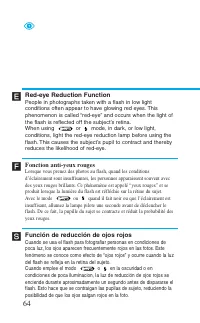
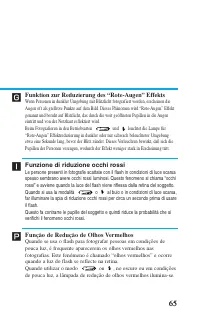
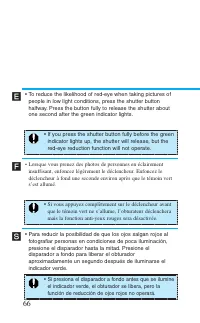
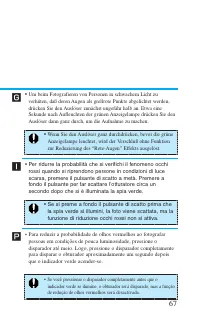
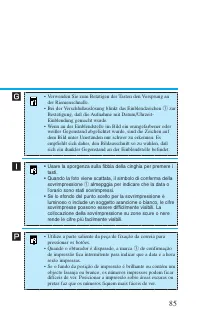
Í 64 ´ Ï Red-eye Reduction Function People in photographs taken with a flash in low lightconditions often appear to have glowing red eyes. Thisphenomenon is called “red-eye” and occurs when the light ofthe flash is reflected off the subject’s retina.When using or mode, in dark, or low light, conditi...
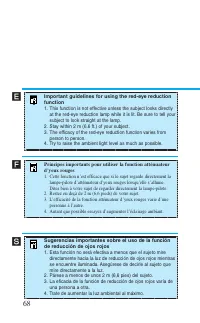
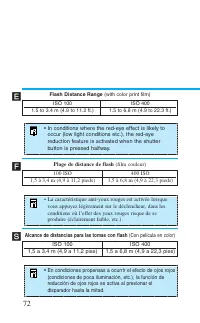
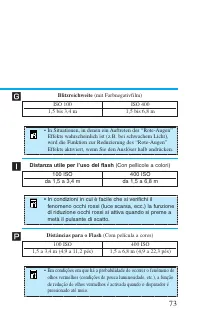
72 ´ Ï Í • In conditions where the red-eye effect is likely to occur (low light conditions etc.), the red-eyereduction feature is activated when the shutterbutton is pressed halfway. • En condiciones propensas a ocurrir el efecto de ojos rojos (condiciones de poca iluminación, etc.), la función dere...
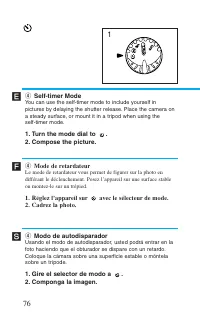
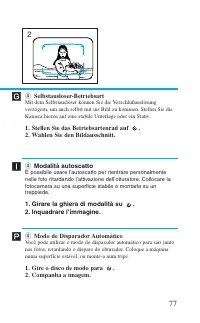
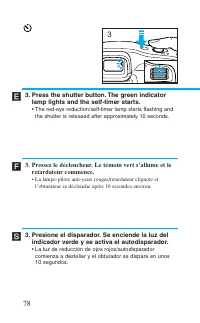
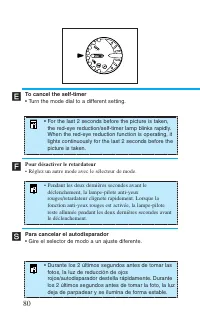
78 Í ´ Ï 3. Press the shutter button. The green indicator lamp lights and the self-timer starts. • The red-eye reduction/self-timer lamp starts flashing and the shutter is released after approximately 10 seconds. 3. Pressez le déclencheur. Le témoin vert s’allume et le retardateur commence. • La lam...
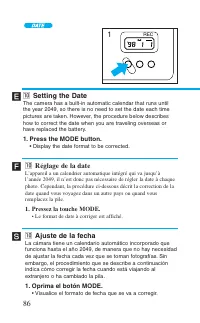
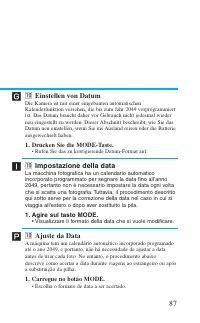
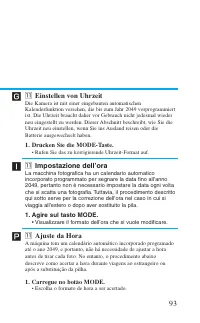
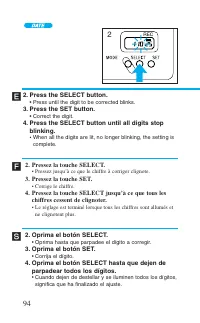
Í 86 ´ Ï ⁄0 Ajuste de la fecha La cámara tiene un calendario automático incorporado quefunciona hasta el año 2049, de manera que no hay necesidadde ajustar la fecha cada vez que se toman fotografías. Sinembargo, el procedimiento que se describe a continuaciónindica cómo corregir la fecha cuando está...
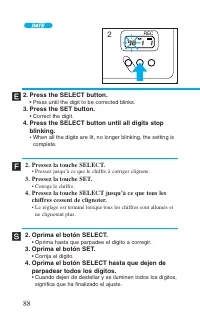
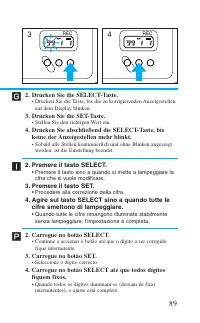
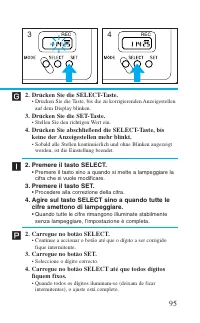
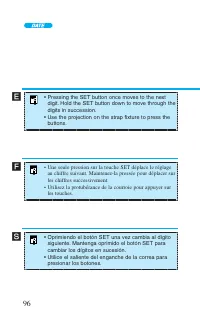
88 Í ´ Ï 2. Oprima el botón SELECT. • Oprima hasta que parpadee el dígito a corregir. 3. Oprima el botón SET. • Corrija el dígito. 4. Oprima el botón SELECT hasta que dejen de parpadear todos los dígitos. • Cuando dejen de destellar y se iluminen todos los dígitos, significa que ha finalizado el aju...
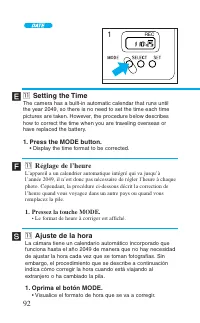
Í 92 ´ Ï ⁄1 Ajuste de la hora La cámara tiene un calendario automático incorporado quefunciona hasta el año 2049 de manera que no hay necesidadde ajustar la hora cada vez que se toman fotografías. Sinembargo, el procedimiento que se describe a continuaciónindica cómo corregir la hora cuando está via...
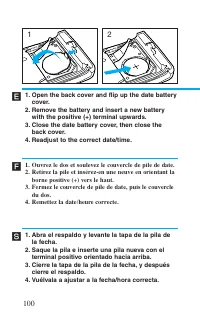
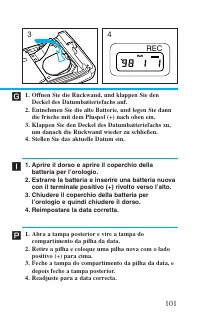
Í 100 ´ Ï 2 1 1. Open the back cover and flip up the date battery cover. 2. Remove the battery and insert a new battery with the positive (+) terminal upwards. 3. Close the date battery cover, then close the back cover. 4. Readjust to the correct date/time. 1. Ouvrez le dos et soulevez le couvercle ...
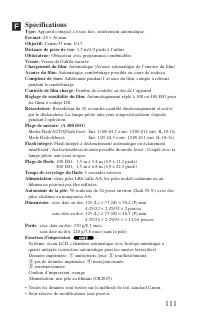
111 Spécifications Type: Appareil compact à focus fixe, entièrement automatique. Format: 24 × 36 mm Objectif: Canon 35 mm, f/4,5 Distance de prise de vue: 1,5 m/4,9 pieds à l’infini Obturateur: Obturateur avec programmes combinables Viseur: Viseur de Galilée inversé Chargement du film: Automatique (...
Canon Manuels
-
Canon 250
Manuel d'utilisation
-
Canon imageRUNNER ADVANCE DX C3935i
Manuel d'utilisation
-
Canon MF269DW VP
Manuel d'utilisation
-
Canon D1620
Manuel d'utilisation
-
Canon D1650
Manuel d'utilisation
-
Canon 525
Manuel d'utilisation
-
Canon D570
Manuel d'utilisation
-
Canon 215
Manuel d'utilisation
-
Canon 238
Manuel d'utilisation
-
Canon 236
Manuel d'utilisation
-
Canon 226
Notice
-
Canon FM1M944
Notice
-
Canon 228
Notice
-
Canon CU 90
Manuel d'utilisation
-
Canon TR
Manuel d'utilisation
-
Canon 260Z
Manuel d'utilisation
-
Canon 430 EZ
Manuel d'utilisation
-
Canon 4374B001
Manuel d'utilisation
-
Canon 7876A003 - CanoScan LiDE 50 Color Scanner
Manuel d'utilisation
-
Canon 80 Tele
Manuel d'utilisation