Canon i-SENSYS MF8380Cdw- Manuels
Canon i-SENSYS MF8380Cdw- Manuel d'utilisation en ligne au format PDF.
Manuels:
Manuel d'utilisation Canon i-SENSYS MF8380Cdw
Résumé
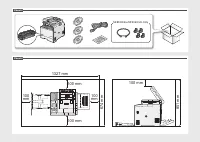
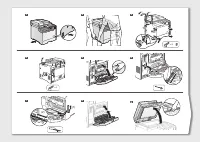
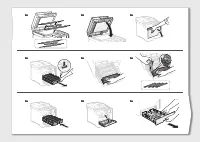
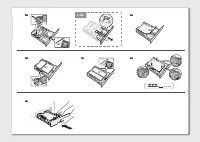
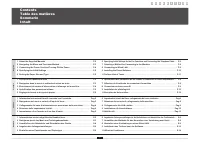
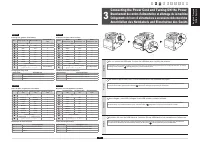
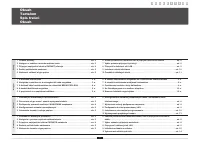
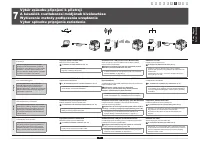
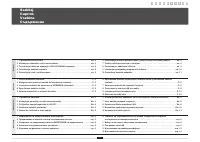
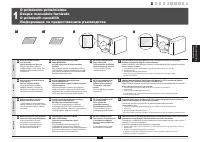
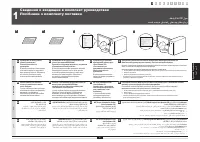
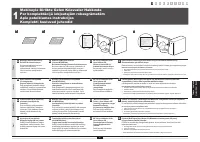
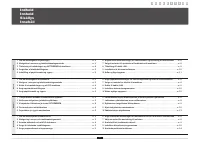
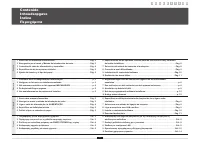
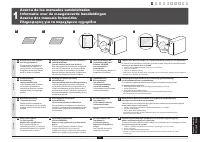
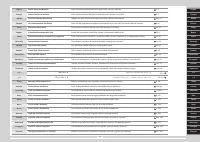
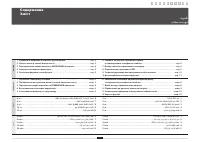
1 English 1 About the Supplied Manuals . . . . . . . . . . . . . . . . . . . . . . . . . . . . . . . . . . . . . . . . . . . . P .22 Navigating the Menu and Text Input Method . . . . . . . . . . . . . . . . . . . . . . . . . . . . . . . P .33 Connecting the Power Cord and Turning ON the Power . . . ...
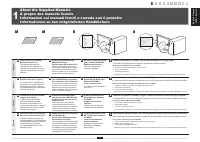
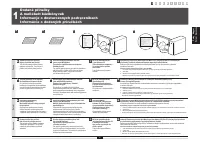
English Français Italiano Deutsch 2 English A Starter Guide (This manual): Read this manual first . This manual describes the installation of the machine, the settings, and a caution. Be sure to read this manual before using the machine. B Wireless LAN Setting Guide (MF8380Cdw Only): Read this manua...
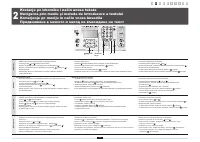
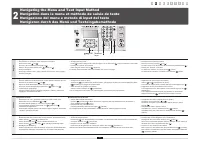
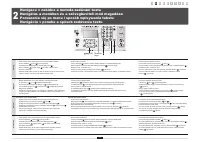
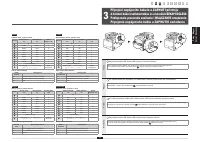
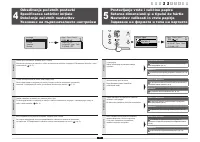
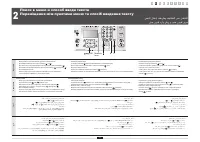
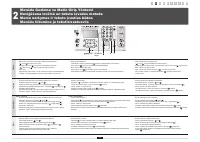
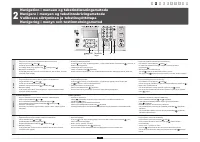
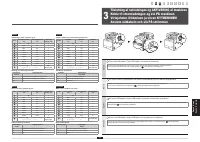
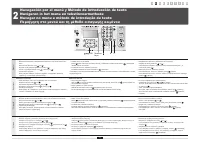
3 English Navigating the Menu ▪ Item selection or moving the cursor among the menu items Select an item with [ ] or [ ]. Proceed to the next hierarchy with [OK] or [ ]. Return to the previous hierarchy with [ ] (Back) or [ ]. ▪ Setting confirmation Press [OK]. However, when <Apply> appears on ...
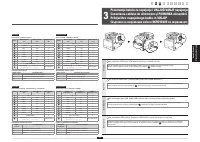
English Français Italiano Deutsch 4 English Entering text, symbols, and numbers Key Entry mode: <A> Entry mode: <a> Entry mode: <12> @ . - _ / 1 ABC abc 2 DEF def 3 GHI ghi 4 JKL jkl 5 MNO mno 6 PQRS pqrs 7 TUV tuv 8 WXYZ wxyz 9 (Not available) 0 (space) @ . / - _ ! ? & $ % # (...
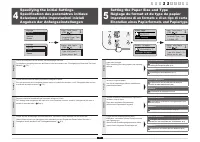
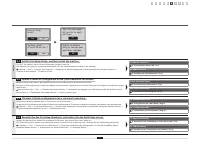
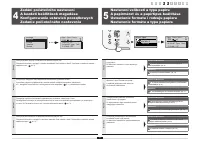
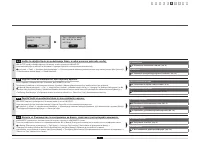
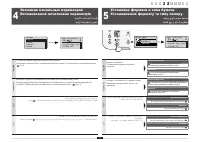
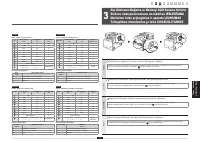
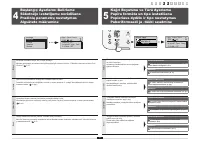
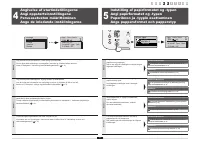
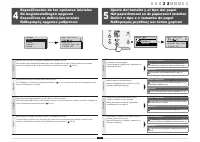
5 English Follow the instructions on the screen, set the language and time.For details on navigating the menu and how to input the numbers, see 2 "Navigating the Menu and Text Input Method" ( P.3). Français Suivez les instructions à l'écran pour définir la langue et l'heure.Pour en savoir pl...
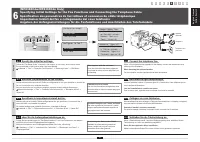
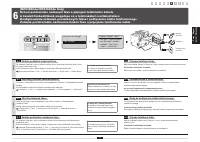
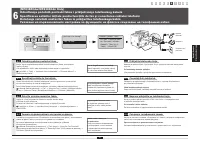
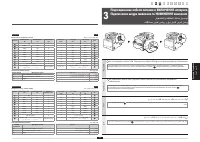
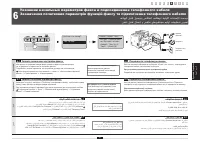
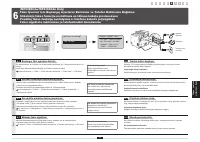
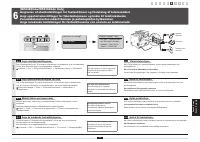
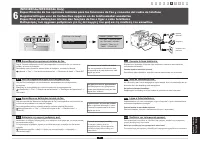
English Français Italiano Deutsch 6 English 6-1 Specify the initial fax settings . Follow the "Fax Setup Guide" to specify a fax number, a unit name, and a receive mode.For more details on the receive mode, see the e-Manual. e-Manual -> "Fax" -> "Using the Fax Functions"...
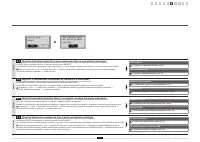
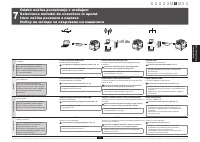
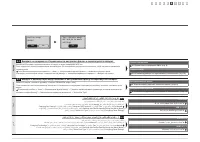
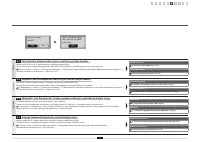
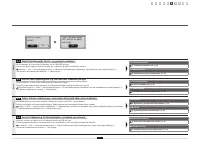
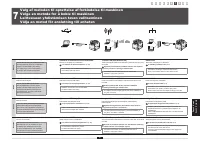
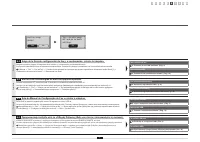
7 English 6-3 Exit the Fax Setup Guide, and then restart the machine . Turn OFF the machine, wait for at least 10 seconds, and then it back ON.The telephone line types are not detected automatically. See the e-Manual and set a telephone line manually. e-Manual -> "Fax" -> "Using th...
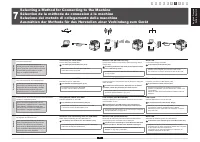
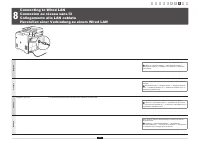
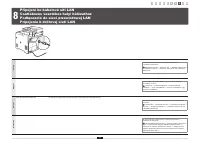
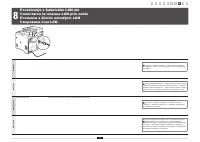
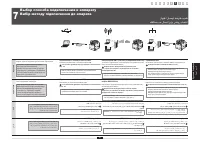
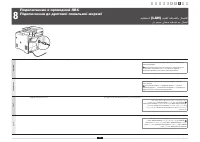
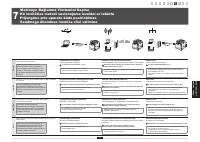
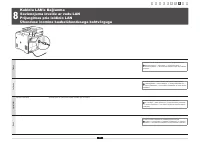
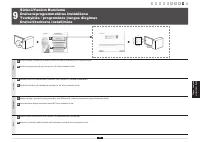
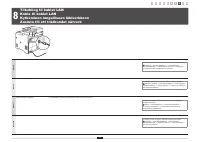
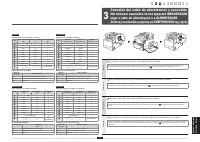
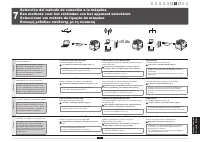
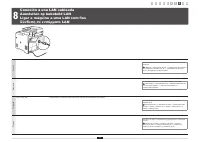
9 English Connect the LAN cable. The machine sets the IP address automatically. Wait approximately two minutes. If you want to set the IP address manually, see the following items. e-Manual -> "Network Settings" -> "Basic Network Settings" -> "Setting the IP Address"...
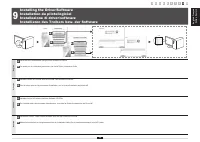
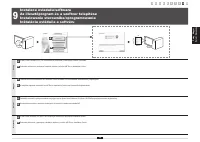
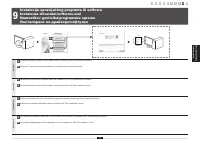
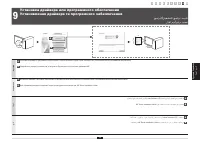
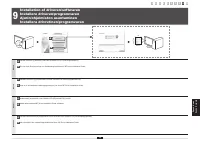
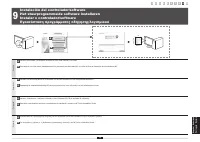
English Français Italiano Deutsch 10 English A Install the driver and software using the User Software CD-ROM. B For details on the installation procedures, see the MF Driver Installation Guide. Français A Installez le pilote et le logiciel avec le CD-ROM "User Software CD-ROM". B Pour en sa...
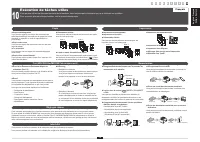
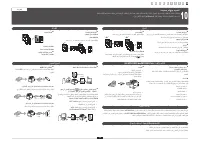
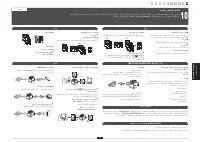
1 2 3 4 5 6 7 8 9 10 English Français Italiano Deutsch 12 10 Exécution de tâches utiles Français Vous pouvez utiliser les diverses fonctions de la machine. Voici les principales fonctions que vous utiliserez au quotidien. Pour en savoir plus sur chaque fonction, voir le manuel électronique. Copie Im...
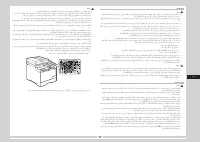
Symboles en vigueur dans ce manuel AVERTISSEMENT Avertissement concernant les opérations susceptibles de représenter un danger de mort ou de provoquer des blessures si les instructions ne sont pas respectées. Ces recommandations sont à respecter rigoureusement. ATTENTION Point important concernant l...
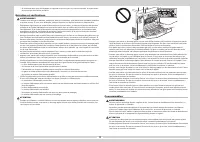
Alimentation électrique AVERTISSEMENT ▪ N'abîmez pas ou ne modifiez pas le cordon d'alimentation. Veillez également à ne pas poser d'objets lourds sur le câble d'alimentation, à ne pas tirer dessus et à ne pas le plier excessivement. Cela risquerait d'entraîner des dommages électriques, et de provoq...
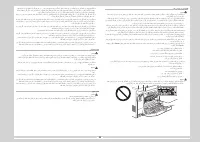
- Si le faisceau laser vient à s'échapper de l'appareil et que vos yeux s'y trouvent exposés, le rayonnement peut provoquer des lésions oculaires. Entretien et vérifications AVERTISSEMENT ▪ Lorsque vous nettoyez la machine, éteignez-la, ainsi que l'ordinateur, puis débranchez les câbles d'interface ...
▪ Si de l'encre fuit de la cartouche d'encre, faites attention de ne pas l'inhaler et prenez soin d'éviter tout contact direct avec votre peau. Si l'encre vient en contact avec votre peau, lavez la zone affectée avec du savon. Si vous sentez une irritation au niveau de la zone affectée ou une gêne a...
▪ Selon votre langue ou la connexion téléphonique que vous utilisez, vous risquez de ne pas pouvoir réaliser la communication de données. Dans ce cas, contactez votre revendeur agréé Canon ou la ligne d'assistance Canon. ▪ Les pièces de rechange et cartouches d'encre compatibles avec cette machine r...
Canon Manuels
-
Canon 250
Manuel d'utilisation
-
Canon imageRUNNER ADVANCE DX C3935i
Manuel d'utilisation
-
Canon MF269DW VP
Manuel d'utilisation
-
Canon D1620
Manuel d'utilisation
-
Canon D1650
Manuel d'utilisation
-
Canon 525
Manuel d'utilisation
-
Canon D570
Manuel d'utilisation
-
Canon 215
Manuel d'utilisation
-
Canon 238
Manuel d'utilisation
-
Canon 236
Manuel d'utilisation
-
Canon 226
Notice
-
Canon FM1M944
Notice
-
Canon 228
Notice
-
Canon CU 90
Manuel d'utilisation
-
Canon TR
Manuel d'utilisation
-
Canon 260Z
Manuel d'utilisation
-
Canon 430 EZ
Manuel d'utilisation
-
Canon 4374B001
Manuel d'utilisation
-
Canon 7876A003 - CanoScan LiDE 50 Color Scanner
Manuel d'utilisation
-
Canon 80 Tele
Manuel d'utilisation